
Let's get started!
Your Solution Accelerator Learning Path
If you'd prefer to train in your own personal testing environment, then Microsoft has the perfect solution! You can create a Microsoft 365 developer environment to learn to build and test your project throughout this solution accelerator. (Don't worry, you don't have to be a developer to do this).
Watch this short video to find out more about the program and the right option for you.
Where do you fit in your power apps experience?
We really want you to get the most out of the training material so please take a moment to browse this page to learn on the recommended approach.

NOVICE
For the entry level Power Platformer.

BEGINNER

SOLUTION ACCELERATOR READY
Your Recommended Learning Path...
SharePoint Beginner Training
Watch this 50-minute session presented by April Dunnam to get started with SharePoint Online and read the SharePoint Power Users Guide to learn more about SharePoint Sites, Lists & Document Libraries.
Teams Beginner Training
Watch Ben Stegink's "Introduction to Teams Training", then gain plenty of tips for creating teams channels, setting up meetings, and much more by reading the Teams Beginners Guide. This training was presented at a GlobalCon Conference.
Power Automate Beginner Training
Get started with Power Automate, and learn the fundamentals of working with visual node-based scripting to create seamless automated processes presented by Matt Weston. This training was presented at a GlobalCon Conference.
Power Apps Masterclass For Beginners
Join Ahmad Najjar's pre-recorded workshop that will give you over 4 hours of hands-on demo's and tips to power you through the tools and features you can use to build your very first functional Power App.
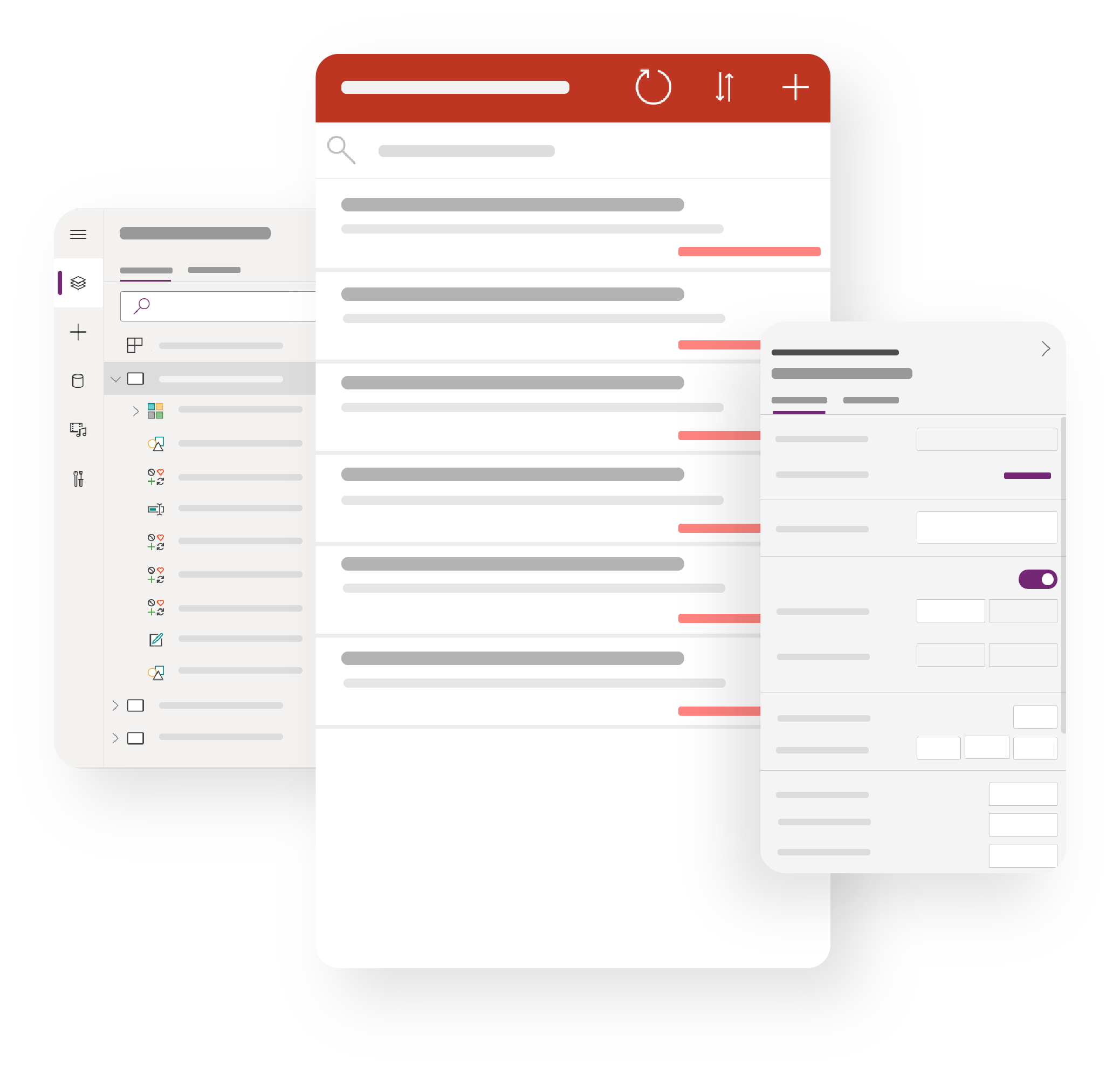
Requirements & Design Workshop
Get prepped and ready to take on the solution accelerator as Mark Stokes takes you on a journey throughout this pre-recorded workshop. You'll learn how to gather requirements and design specification and prepare your environment ready to start building.
Are you ready to take on the solution accelerator?
Now that you have taken the initial steps, you're ready to breeze through this Notification & Alerts System, so let's get started! Whether you'd prefer to watch or read your way through, we've provided both video content and a playbook for you to follow through.
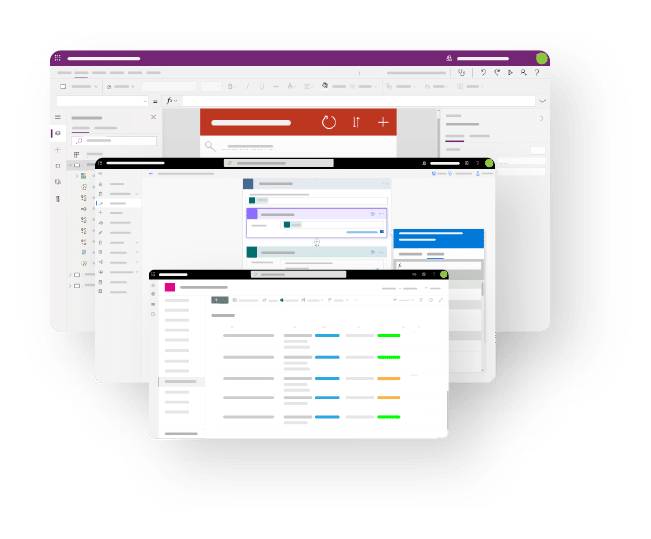
Solution Accelerator: Notifications System
Join Connor Deasey as he takes you step-by-step through the build process of the Notification & Alerts system.
You can also follow the Solution Accelerator Playbook, which takes you methodically through the Notification & Alerts system build. Brilliant if you prefer to read!
Don't worry if you get stuck! Join our private Solution Accelerator's Facebook Group where we will be happy to assist further!
Want Us To Install The Solution For You?
If you'd like Collab365 or Attollo to install the Notifications App for you, we can help*. We offer a package where we can join you on a call and build the solution for you.
on-demand summits
COLLAB365 NETWORK
about us

E-Innovation Centre, Priorslee, Telford , Shtopshire, TF2 9FT, UK
Copyright 2026 Collab365, all rights reserved.